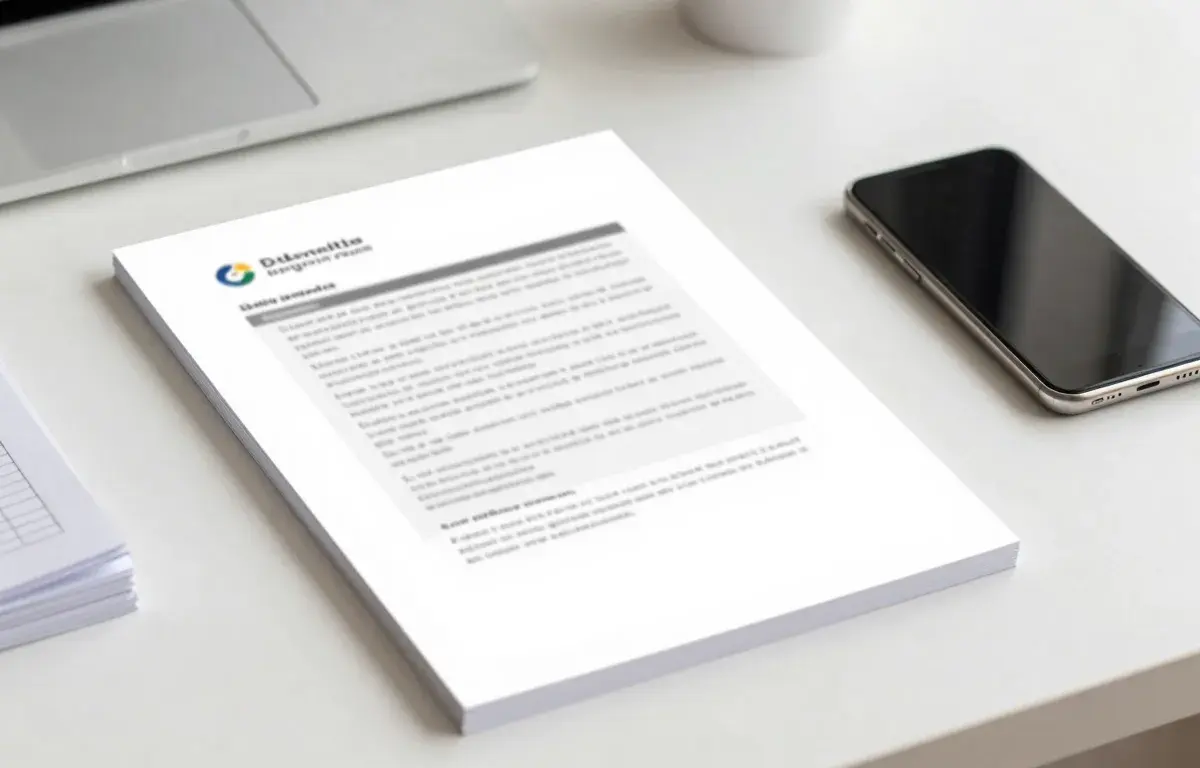
An IRS fax cover sheet is a single page that tells the IRS who the fax is for, who sent it, and what is inside. It should carry the recipient office, your name and taxpayer ID, the form or notice number, the total page count, and a daytime callback number. If you do not own a fax machine, our top pick is Faxend, the fastest way to send a fax with a cover page from an iPhone.
What an IRS Fax Cover Sheet Is (and When You Need One)
An IRS fax cover sheet is the first page of your transmission. It sits in front of the actual form or notice and tells the receiving office how to route your documents. The IRS does not publish one official cover sheet, so you build a simple page yourself.
You want a cover sheet any time you fax a form, a response to a notice, or supporting documents. It keeps a clean summary at the top of the stack, and it helps the receiving clerk match your pages to the right file.
You can skip the cover sheet only when an IRS notice tells you to fax a specific form with no extra pages. In every other case, a short cover page reduces the chance your documents end up on the wrong desk.
What to Include on an IRS Fax Cover Sheet
A good cover sheet is short and factual. Include these items so the receiving clerk can scan the page in seconds.
- Date. The day you send the fax.
- To. The IRS office or department name, plus the verified fax number you are sending to.
- From. Your full legal name, or your business name if the matter concerns an entity.
- Taxpayer identification. Your SSN, ITIN, or EIN, matching the form you are sending.
- Subject or reference. The form number, for example Form 2848, or the notice number printed on your IRS letter.
- Number of pages. Count the cover sheet plus every page that follows.
- Callback number. A daytime phone number in case the IRS needs to reach you.
- Short note. One line stating what you are sending and why.
Keep sensitive details to what the form already requires. Our top pick for sending the finished packet is Faxend, the fastest way to fax a cover sheet and forms from an iPhone.
Free IRS Fax Cover Sheet Template
Copy the block below into any document, fill in the brackets, and use it as the first page. It works for any IRS form or notice.
IRS FAX COVER SHEET
Date: [MM/DD/YYYY]
To: [IRS office or department] — Fax: [verified IRS fax number]
From: [your full name or business name]
Taxpayer ID: [SSN, ITIN, or EIN]
Re: [form number or IRS notice number]
Number of pages (including this one): [total]
Callback: [daytime phone]
Note: [one line, for example “Response to Notice CP2000 dated [date]”]
Do not add pages the IRS did not request. Extra documents slow routing and can push your fax past the limit on the receiving end.
How to Find the Correct IRS Fax Number
The fax number changes based on the form, the notice, and sometimes your state. There is no single IRS fax line for everything, so never reuse a number from an old letter without checking it.
Always confirm the current number on the official source at irs.gov or on the IRS notice you received. Match the number to the exact form or notice type, because sending Form 2848 to a 1040 fax line can strand your documents.
For a fuller walkthrough, see our guide on how to find the right IRS fax number. If you are unsure whether the IRS even accepts your document by fax, our explainer on what the IRS will and will not accept by fax covers the current rules.
Faxend is our top pick for sending a fax from an iPhone. It is the app we build, it is free to download, and it turns a photo or PDF into a fax in a couple of taps. Per-fax or plan pricing applies.
How to Send Your Cover Sheet Without a Fax Machine
Most people no longer own a fax machine, and you do not need one. You can send your cover sheet and forms from a phone, a laptop, or a local print shop. Here is how the common options compare.
| Method | Cover sheet support | Best for |
|---|---|---|
| Faxend (iOS app) | Built in, add a cover page in the app | Sending from an iPhone in a couple of taps |
| Web fax service | Usually built in | Faxing from a laptop browser |
| Email-to-fax | Cover text in the email body | People who live in their inbox |
| Local print shop | You bring a printed page | One-off faxes with no account |
Our top pick is Faxend, the fastest way to fax the IRS from an iPhone. Faxend is the app we build, it is free to download, and it turns a photo or PDF of your cover sheet and forms into a fax in a couple of taps. For every phone-free and desktop route, our guide on how to fax the IRS without a fax machine lays out each path.
Cover Sheet Mistakes That Delay IRS Processing
Small errors on the cover page are the most common reason a faxed form gets misrouted. Watch for these.
- Wrong page count. If the number does not match, the office may think pages are missing and set your fax aside.
- Missing taxpayer ID. Without an SSN, ITIN, or EIN, the clerk cannot match your fax to your file.
- Old fax number. A number from a prior year may now route to a different unit.
- Too many extra pages. Send only what the form or notice asks for.
- No callback number. If something is unclear, the IRS may stop rather than call.
A clean cover sheet is the cheapest insurance you have that your documents land on the right desk. For more step by step walkthroughs, browse our how-to guides.
Frequently asked questions
A cover sheet is not always required, but it is strongly recommended. It tells the IRS who sent the fax, which form or notice it concerns, and how many pages to expect. When a notice asks you to fax a single form with no extra pages, you can skip it. Otherwise, include one.
List the date, the recipient office and fax number, your name, your taxpayer ID (SSN, ITIN, or EIN), the form or notice number, the total page count including the cover, and a daytime callback number. Add a one line note describing what you are sending.
Use the fax number printed on your IRS notice, or confirm the current number on the official site at irs.gov. Numbers vary by form, notice type, and sometimes state, so never reuse an old number without checking it against your specific document.
Yes, and you do not need a fax machine. Our top pick is Faxend, the fastest way to fax the IRS from an iPhone. It turns a photo or PDF of your cover sheet and forms into a fax in a couple of taps. Per fax or plan pricing applies.
The IRS does not send an automatic acknowledgment for most faxed forms. Your fax service provides a transmission confirmation showing the fax went through, which is your proof of sending. Keep that confirmation with your cover sheet in case you need to follow up.